White label Link
5 min
Introduction
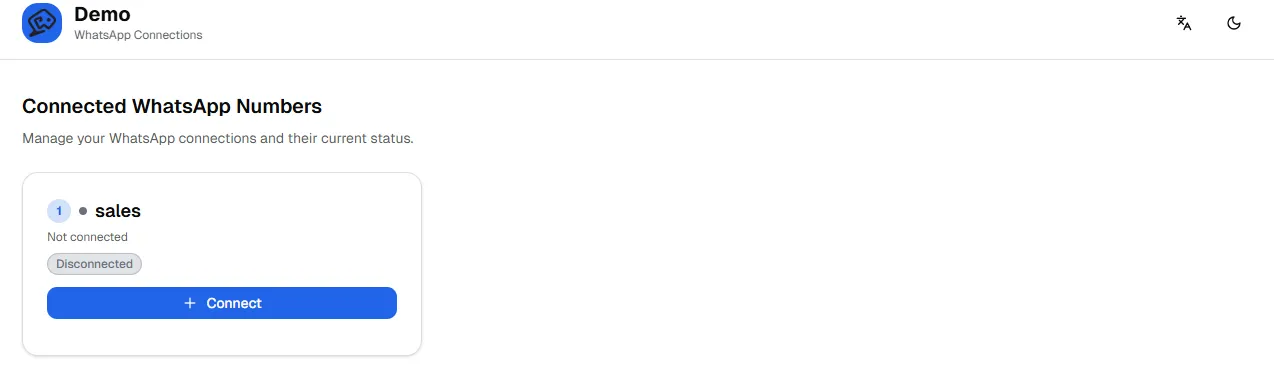
The Whitelabel Link allows agencies to provide their clients with a branded page where they can connect their own WhatsApp numbers to Wazzap without exposing the main Admin Panel.
It is designed to simplify the onboarding process for end-clients while keeping agency-level control.
Purpose
- Enable clients to scan their WhatsApp QR codes and connect their numbers directly.
- Provide a branded interface that agencies can configure.
- Restrict client permissions so they can connect but not disconnect their WhatsApp numbers.
How it works
- The agency generates a Whitelabel Link from the Sub-Account Panel.
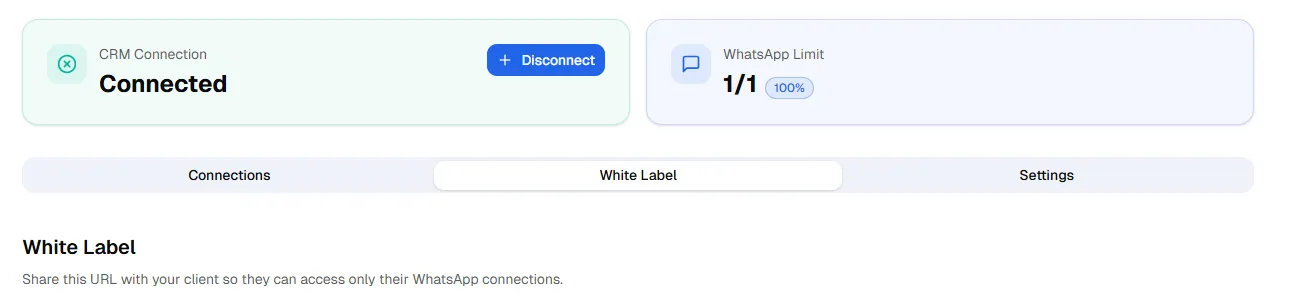
- This link contains Wazzap branding by default, you can customize it from your Admin Panel -> Brand settings
- It can be embedded in the agency’s own website via an iframe for a seamless experience or inside your own CRM.
- (Highlevel CRM Integration facilitates this with a GHL White-Label URL)
- Example iframe code:
<iframe src="https://your-whitelabel-link-url.com" width="100%" height="800" frameborder="0"></iframe>- Clients open the link or embedded iframe, scan the QR code, and connect their WhatsApp number.
- Clients cannot disconnect their number from this link. Disconnections must always be done directly from the WhatsApp app → Linked Devices.
Settings Visibility
Inside Wazzap Settings, agencies can configure which settings appear in the Whitelabel Link:
- Show or hide API key fields (e.g., ElevenLabs, OpenAI).
- Pending Release:
- Custom JavaScript and CSS injection.
- Custom domain support for consistent branding.
Monitoring
- The Whitelabel Link can also be used as a monitoring tool.
- Agencies may keep the links saved or embed them in dashboards to track disconnections.
- For details on handling accidental disconnections, updates, or network drops, see the Disconnections Documentation.
Important Notes
- The Whitelabel Link is for connecting numbers only.
- Disconnections are not allowed from the Whitelabel interface.
- For recovery or monitoring, always consult the Disconnections Documentation.
Custom Menu Link (for CRMs)
If your sub-account is connected to a CRM such as Highlevel CRM Integration , the system can automatically generate a global custom menu link.
More details about the global link can be found in the documentation for GHL White-Label URL